
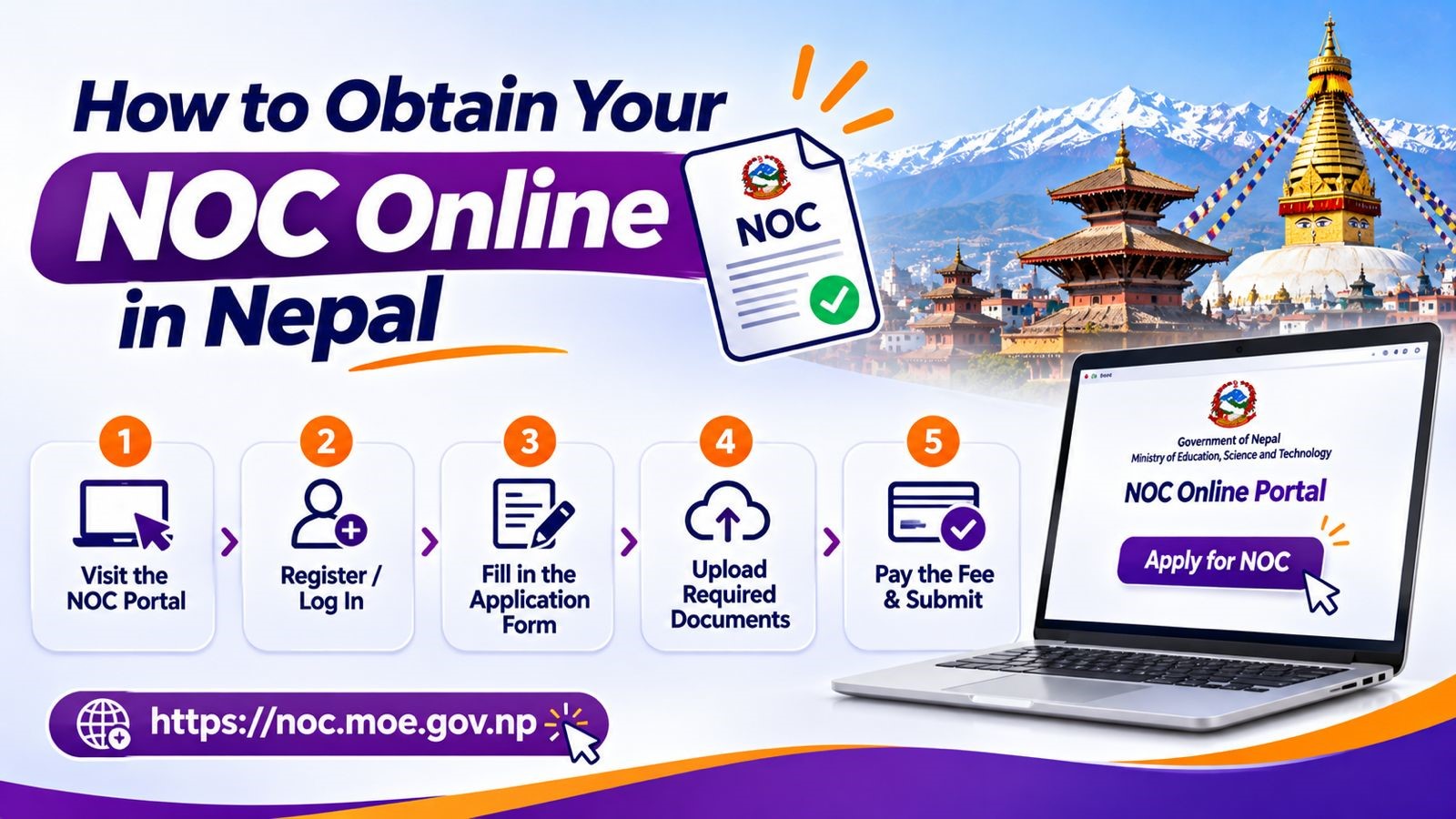
For many Nepalese students who are planning to study abroad, obtaining the NOC from the Ministry of Education, Science and Technology is a mandatory legal requirement. Whether you are applying for the UK, USA, Canada, Australia or any other global destination, the NOC is required to process tuition payments through the Nepali banks and finalize your visa application.
The entire NOC application, however, is fortunately digitized. This comprehensive guide will walk you through the step-by-step online process, the required documents, fee structures and tips to prevent the application from getting rejected.
1. Documents Required
Before you log into the portal, make sure that you have scanned the digital copies (clear, readable PDF or JPEG formats under 5 MB) of all the necessary files:
- Valid Passport
- Nepali Citizenship Certificate (front and back)
- SEE/SLC Marksheet and Character Certificate
- +2 Transcript and Character Certificate
- Bachelor’s Degree Transcript and Certificate (if you’re applying for postgraduate studies)
- Equivalence Certificate
- Unconditional Offer Letter from your foreign university
- Official Fee invoice
2. Step by Step Guide to Applying for NOC Online
Step 1: Access the Official Portal
Open up your browser and go to the official MoEST portal: noc.moest.gov.np. Avoid any third-party agency sites which claim to process the NOCs.
Step 2: Register and Verify your Account
- Click on Apply NOC
- Enter your NTC mobile number and your active email address.
- Enter the One-Time Password (OTP) which you received via SMS.
- Set up a password and verify your email address through the verification token sent to your inbox.
Step 3: Complete Personal and Academic Details
- Fill in the personal information (your full name, date of birth, parent’s names) exactly as printed on your passport and citizenship certificate.
- Input your previous academic background, grading systems and educational boards.
- Select your destination country, university name, course title, level of study and intake term.
Step 4: Upload Supporting Documents
- Upload the scanned documents (citizenship, passport, academic transcripts and university offer letter/invoice) into their respective fields. Ensure that no files exceed the size limits and that all the texts are crisp and readable.
Step 5: Review and Submit
- Double check the entered field against your official documents. Click proceed to finalize the submission. You will receive an application ID for the tracking process.
3. NOC Application Fee and Payment Methods
- Processing Fee: NPR 2,000
- Payment Channels: You can pay digitally through the integrated payment gateways such as eSewa, Khalti or ConnectIPS.
4. Processing Time and How to Download your NOC
- Processing Time: It typically takes 3 to 7 working days, depending on the application volume and ministry review cycles.
- Tracking Status: Log in to your portal dashboard under my NOC to monitor real-time updates.
- Downloading the Certificate: Once it is approved, log back into the portal, access your dashboard and download your NOC certificate in PDF format. The modern digital certificate includes a secure QR code for verification. Print multiple copies for your bank loan processing and embassy visa submissions.